Home › Blog › Streaming and Internet
DStv Catch Up Not Working? 8 Fixes for Stellenbosch Homes
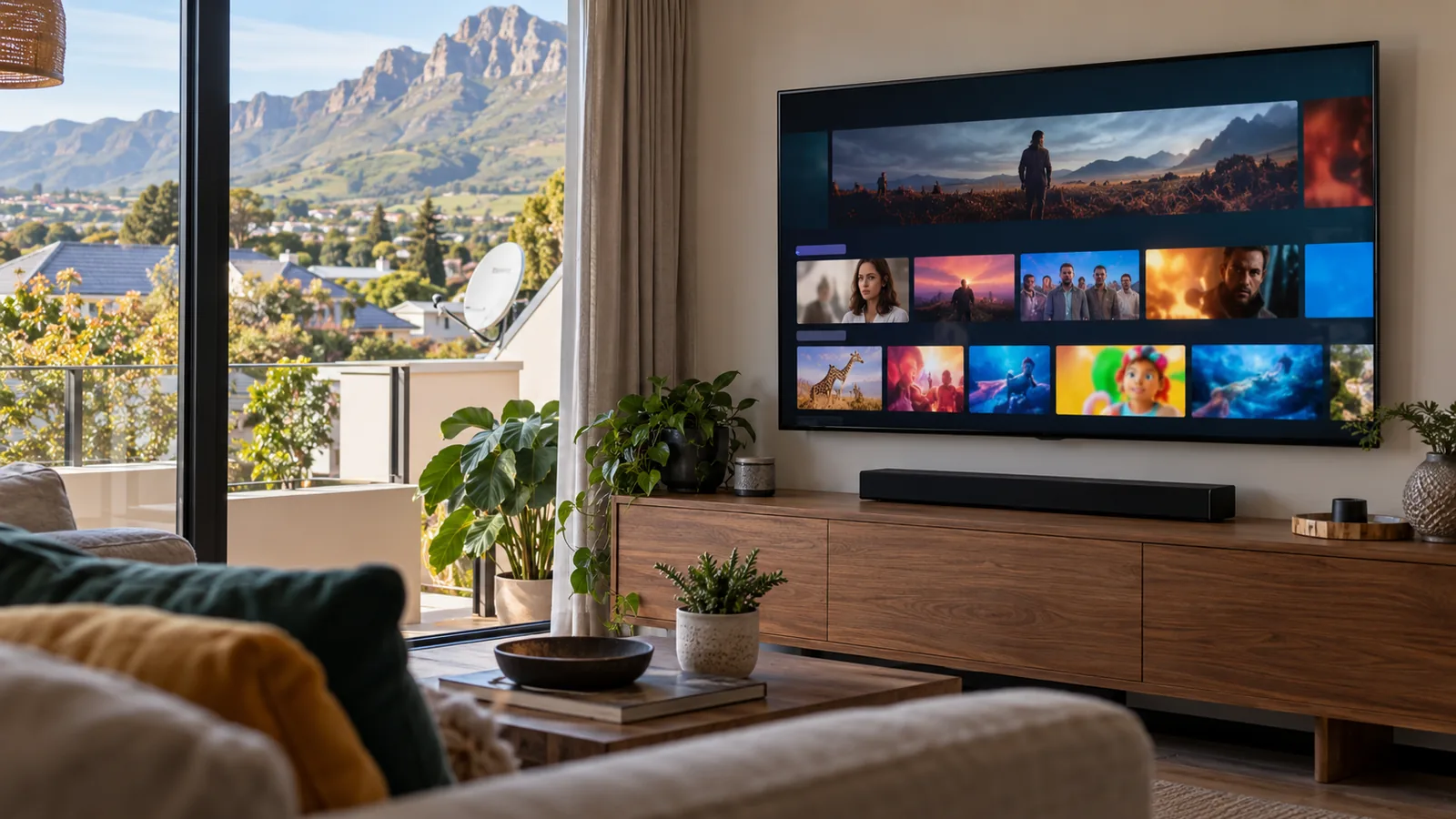
You sit down after a long day, open the Catch Up menu, and the show you wanted just spins or will not appear. When you find DStv Catch Up not working, the satellite is rarely the problem. In most Stellenbosch homes we visit, the cause is the internet link between the router and the decoder, so let us work through it calmly, one fix at a time.
Quick answer
If you find DStv Catch Up not working, first check that your Explora is connected to the internet, then restart the router and the decoder. Check that your account is active and your package includes the show. Weak WiFi is the most common cause in Stellenbosch homes. An ethernet cable or a better WiFi setup usually solves it for good.
Why DStv Catch Up not working is usually an internet problem
Live channels come from the dish. Catch Up is different. On an Explora, some shows are stored on the hard drive, but DStv Catch Up Plus and the bigger library need the decoder to be online. On a smart TV, phone or Streama, everything comes over the internet.
So if live TV works but Catch Up does not, think internet first. A few signs point that way:
- Live channels play perfectly, but Catch Up titles are missing or greyed out.
- Shows start, then stop to buffer every few minutes.
- The problem started after a router swap, a fibre upgrade or a power cut.
- It only fails in the evening, when everyone in the house is online.
That last point is common in shared student houses near the campus and in busy family homes in Die Boord. Many devices share one router, and the decoder ends up at the back of the queue.
If live channels are also freezing or showing a no signal message, the cause is different. Start with our checklist on what to check before calling about no signal in Stellenbosch, because a dish problem will not be solved by any router fix.
8 fixes for DStv Catch Up not working in Stellenbosch
Try these in order. Most people are sorted by fix four. Keep a note of which step changed things, because it helps us if you do end up calling about DStv Catch Up not working again later.
Fix 1: Restart in the right order
Switch off the decoder at the wall. Restart the router and wait until its internet light is steady. Then switch the decoder back on. This clears most short-term glitches, especially after load shedding, when the router often comes back later than the decoder.
Fix 2: Check the decoder is really online
On the Explora, open the settings and look for the internet or connection status. If it says not connected, you have found your problem. A full guide to connecting an Explora to the internet is on the DStv website.
Fix 3: Connect Explora to internet with a cable
If the router is close to the TV, an ethernet cable is the most stable option. It skips WiFi problems completely. When we connect Explora to internet by cable, Catch Up problems that seemed random often disappear the same day.
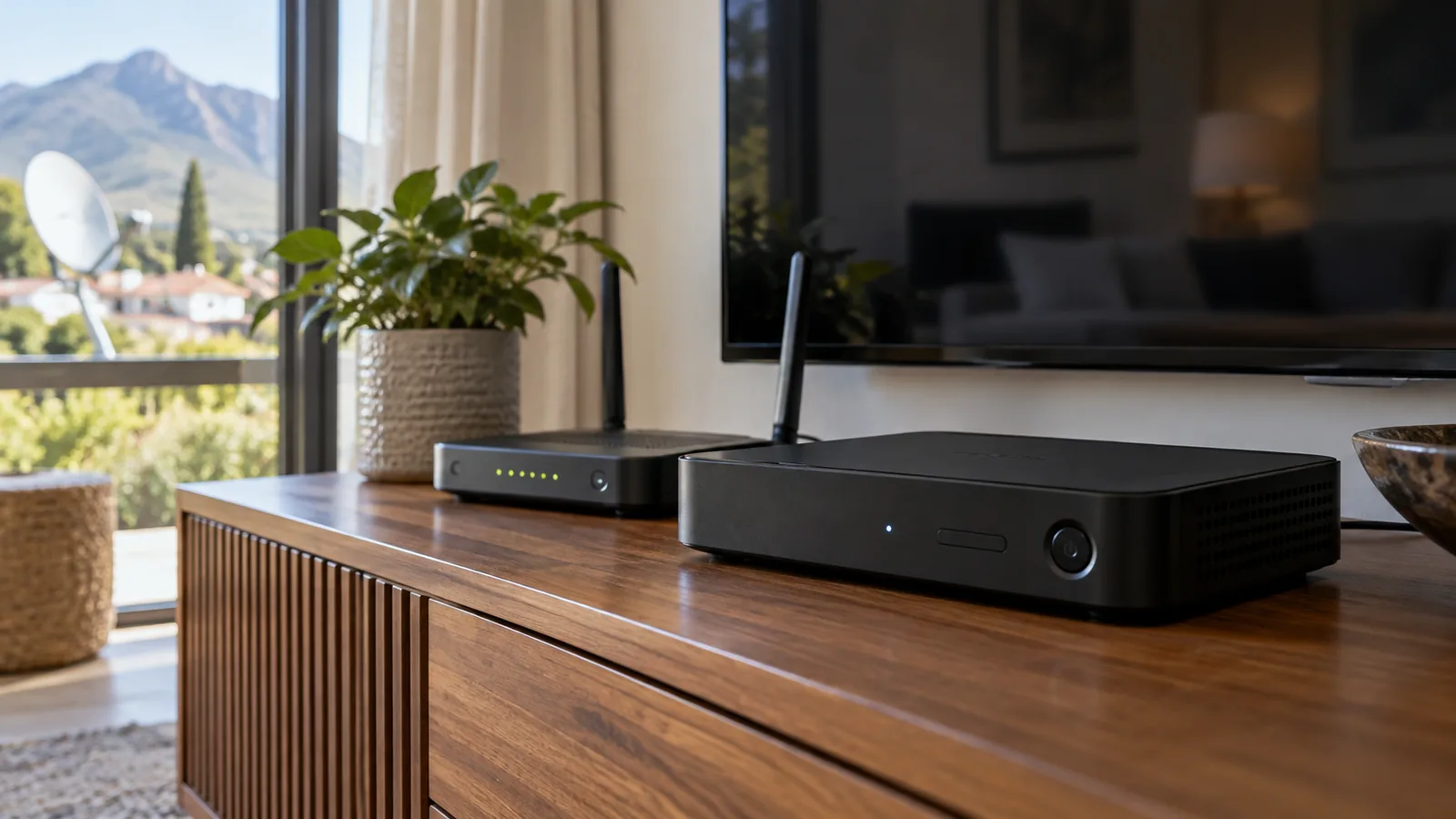
Fix 4: Use the DStv WiFi Connector properly
Older Explora models need the DStv WiFi Connector to go online wirelessly. It plugs into the USB port at the back. Keep it next to the decoder, not on top of it, and use the WPS button on the router to pair it. If your router is two rooms away through thick walls, the connector may still struggle.
Fix 5: Check your account and package
Catch Up only shows titles from channels in your package. After the September 2026 package changes, some customers moved to new package names. If a show disappeared, check what is in your line-up. Our guide to the DStv Premium price and what it includes in 2026 may help if you are thinking of moving up.
Fix 6: Clear errors first
If the decoder shows an error code on live TV too, fix that first. A channel that is not authorised will not play in Catch Up either. Our step-by-step post on how to clear DStv error E16 covers the most common one.
Fix 7: Free up hard drive space
A full Explora hard drive can stop new Catch Up downloads. Delete old recordings you have already watched, especially long sport replays. Some people see DStv Catch Up not working only for new episodes, while older ones still play. A full drive is the usual reason.
Fix 8: Fix the WiFi itself
If the signal in the TV room is weak, no decoder setting will save you. The answer is a better router position, a mesh system or a cable. More on that below.
Technician tip
Run a speed test on your phone while standing right next to the TV, not next to the router. That number is what your decoder actually gets. If it is much lower than your fibre plan, the WiFi is the bottleneck.

DStv Catch Up not working on a smart TV or DStv Stream
Not everyone uses a decoder now. Many Technopark flats and student lets rely only on streaming. If you see DStv Catch Up not working on a smart TV, the steps are a little different.
- Update the DStv app on the TV, then close it fully and reopen it.
- Log out and log in again using the TV code. The TV shows a short code, and you enter it on your phone or at the DStv website.
- Check how many devices are already signed in. There is a limit, and old phones still count.
- Restart the TV and router together.
The DStv Streama box works the same way. It needs no dish, but it depends fully on a stable internet line. Fibre is recommended. If you have it on a weak LTE router, buffering is likely in the evenings.
Need DStv installers in Stellenbosch?
Tell us what you need or what your screen is showing. We give you a clear price before we drive out.
Stream or decoder: which suits your Stellenbosch home?
| Option | Needs a dish? | Needs internet? | Best for |
|---|---|---|---|
| Explora or Explora Ultra | Yes | For Catch Up Plus and apps | Families, sport fans, load shedding backup |
| DStv Streama | No | Yes, fibre recommended | Flats where a dish is not allowed |
| DStv app on smart TV or phone | No | Yes | Students, second rooms, travel |
| HD single view decoder | Yes | No | Live TV only, no Catch Up library |
A decoder with a dish keeps live TV running when the internet is down. Streaming wins where a dish is not allowed, such as some sectional title blocks. Many families mix both: an Explora in the lounge and an app or linked decoder in the bedroom. If you prefer a decoder in each room, see our guide to extra view installation in Stellenbosch.
Fixing home WiFi so Catch Up keeps working in Stellenbosch
Stellenbosch homes are tough on WiFi. Older houses near Dorp Street and Idas Valley often have thick plastered walls. Larger Paradyskloof and Brandwacht homes spread across long passages and upstairs rooms. A single router in the study rarely reaches the lounge well.
- Place the router high and central, not inside a cupboard.
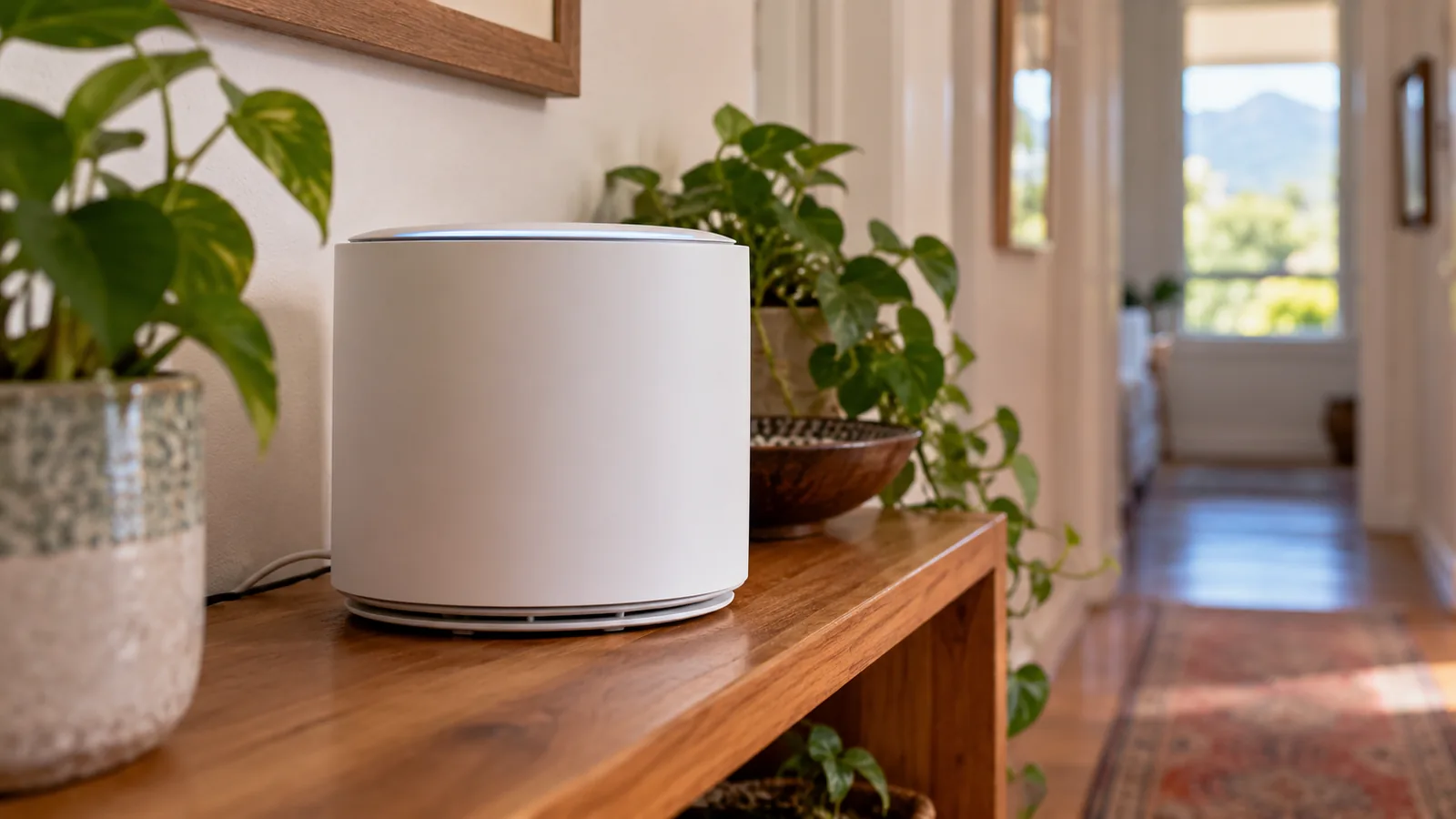
- Add a mesh unit in the passage between the router and the TV room.
- Run a network cable to the TV cabinet if there is a sensible route.
- Put the router on a small UPS so it survives load shedding.
Our WiFi and network installation in Stellenbosch covers mesh setups and cabled points to the TV. It is often the real fix when DStv Catch Up not working keeps coming back.
Good to know
Disney+ is no longer available on Streama and Explora boxes at the time of writing. If that app vanished from your decoder, nothing is broken.
Using the MyDStv and DStv app to check your account
The MyDStv app is handy for the account side. You can see whether payments are up to date, check your package and resend the signal to your decoder. The main DStv app is the one you watch on.
Use MyDStv when you see an error or missing channels. Use the DStv app when you want to watch away from the TV. Keeping both updated avoids many login headaches.
A quick rule of thumb: if the app on your phone plays a show but the decoder does not, the account is fine and the problem sits with the decoder connection. If neither plays it, DStv Catch Up not working is more likely an account, package or wider service issue, and the MyDStv app is the place to check first.
When to call a technician about DStv Catch Up not working
Call us when you have tried the steps above and the problem stays. A case of DStv Catch Up not working that keeps returning every week usually needs hands-on work, such as:
- The Explora will not see the WiFi Connector at all.
- Catch Up works by cable but fails on WiFi, and you need a neat permanent cable run.
- Your WiFi is strong in one room and dead in the TV room.
- Live TV also breaks up, which points to the dish or cabling.
Our Explora installation and setup service includes connecting the decoder to the internet and testing Catch Up before we leave. We work across Kayamandi, Cloetesville, Jamestown and the estates outside town.
Get help with DStv Catch Up in Stellenbosch
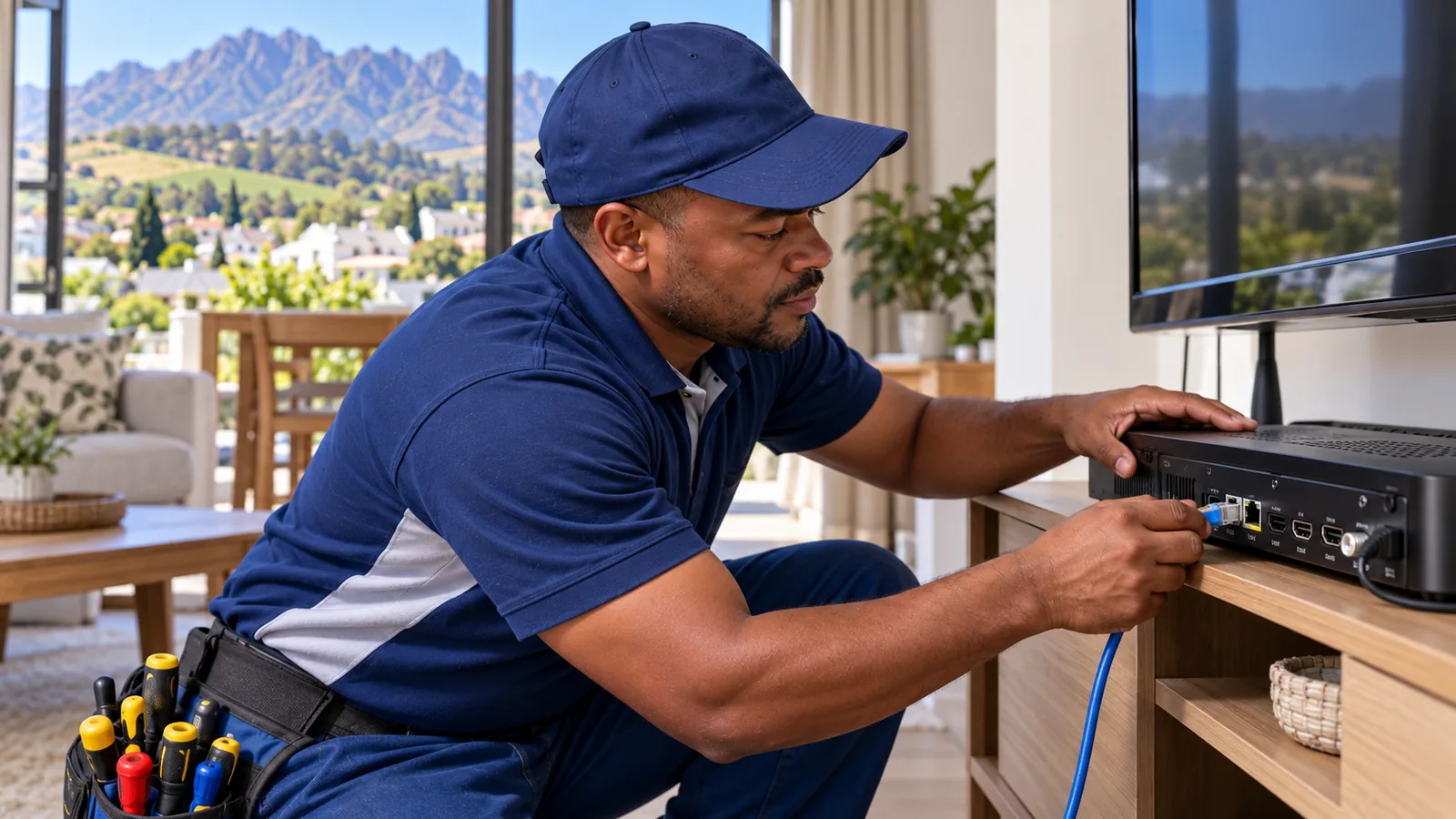
If you are tired of the spinning wheel, our team of DStv installers in Stellenbosch can test your WiFi, decoder and dish in one visit. We quote first and test with you before we leave. Reach us through the contact page for our Stellenbosch team.
DStv catch up not working in Stellenbosch: FAQs
Why is my DStv Catch Up not working on my Explora?
In most cases the Explora has lost its internet connection. Check the connection status in settings, restart the router and then the decoder, and make sure the WiFi Connector is plugged in. If the decoder still says offline, try an ethernet cable. Also check that your account is paid and the channel is in your package.
Why is DStv Catch Up not working today when live TV is fine?
Live TV comes from the satellite, but Catch Up depends on the internet. If live channels play and Catch Up does not, your router, WiFi or fibre line is the likely cause. Restart the router, check other devices are online, and look at the DStv social pages in case of a wider outage.
How do I connect my Explora to the internet in Stellenbosch?
Use an ethernet cable from the router to the back of the Explora if they are close together. Otherwise use the DStv WiFi Connector and pair it with the WPS button on your router. In larger Stellenbosch homes with thick walls, a mesh unit near the TV often makes the WiFi option reliable.
Is DStv Catch Up not working on smart TVs a common problem?
Yes, usually after an app update or when too many devices are signed in on one account. Update the DStv app, log out, then log in again with the TV code. Remove old devices from your account. If the TV is far from the router, a weak WiFi signal can also cause constant buffering.
Can a technician in Stellenbosch fix DStv Catch Up not working?
Yes. A technician can check the decoder, run a cable from the router, set up the WiFi Connector or mesh WiFi, and test Catch Up before leaving. We quote first. Most visits are often the same or next day, depending on the schedule.
Talk to our Stellenbosch team
Call or WhatsApp us for a quote. We answer quickly and we always price the job before we arrive.