DStv Error E16 in Stellenbosch: How to Clear It Fast

Take a breath. If your screen has just gone blue with DStv error E16 on it, nothing is broken on the roof, and you probably do not need a technician. E16 is an account message, so the decoder is fine but the channel is not switched on for your smartcard right now. Most Stellenbosch households clear it from the couch in under ten minutes.
Quick answer
DStv error E16 (often shown as E16-4 or E16-0) means the service is not active on your decoder. First make sure your account is paid up. Then leave the decoder on a channel and re-authorise it through the MyDStv app, DStv WhatsApp self-service or the Fix Errors page on dstv.com. Channels usually return within a few minutes.
What DStv Error E16 Actually Means
Your decoder and smartcard check in with DStv all the time. When the system says your card is not allowed to show a channel, the decoder puts up the E16 message. You may see a number after it, such as E16-4.
The common causes are simple and mostly paperwork:
- The account was not paid on time, or a debit order bounced
- You recently paid, but the payment has not reflected yet
- Your package changed, for example during the September 2026 package switch
- The decoder was switched off at the wall for a long time and missed updates
- You are trying to watch a channel that is not on your package
Notice that none of these involves the dish. That is why the e16 error DStv shows is one of the easiest to fix yourself. If your decoder also struggles with signal, a quick visit from our DStv repairs team in Stellenbosch can rule out the hardware.
One more thing to check before anything else: look at the full code on screen. People sometimes read E16 when the box actually says E51 or E48-32. Write the code down exactly, including the number after the dash, so the self-service tools and any helpdesk give you the right fix.
How to Clear DStv Error E16 in Stellenbosch, Step by Step
Work through these steps in order. Most people are back watching before step five.
- Check the account. Open the MyDStv app and confirm the balance is paid and the package is active.
- Switch the decoder on. It must be on and tuned to a channel, not in standby, for the next step to reach it.
- Re-authorise. Use the MyDStv app, DStv's WhatsApp self-service, or the Fix Errors tool on the official DStv site and choose the option to clear an error.
- Wait. Leave the decoder on that channel for up to 15 minutes. Do not keep flicking channels.
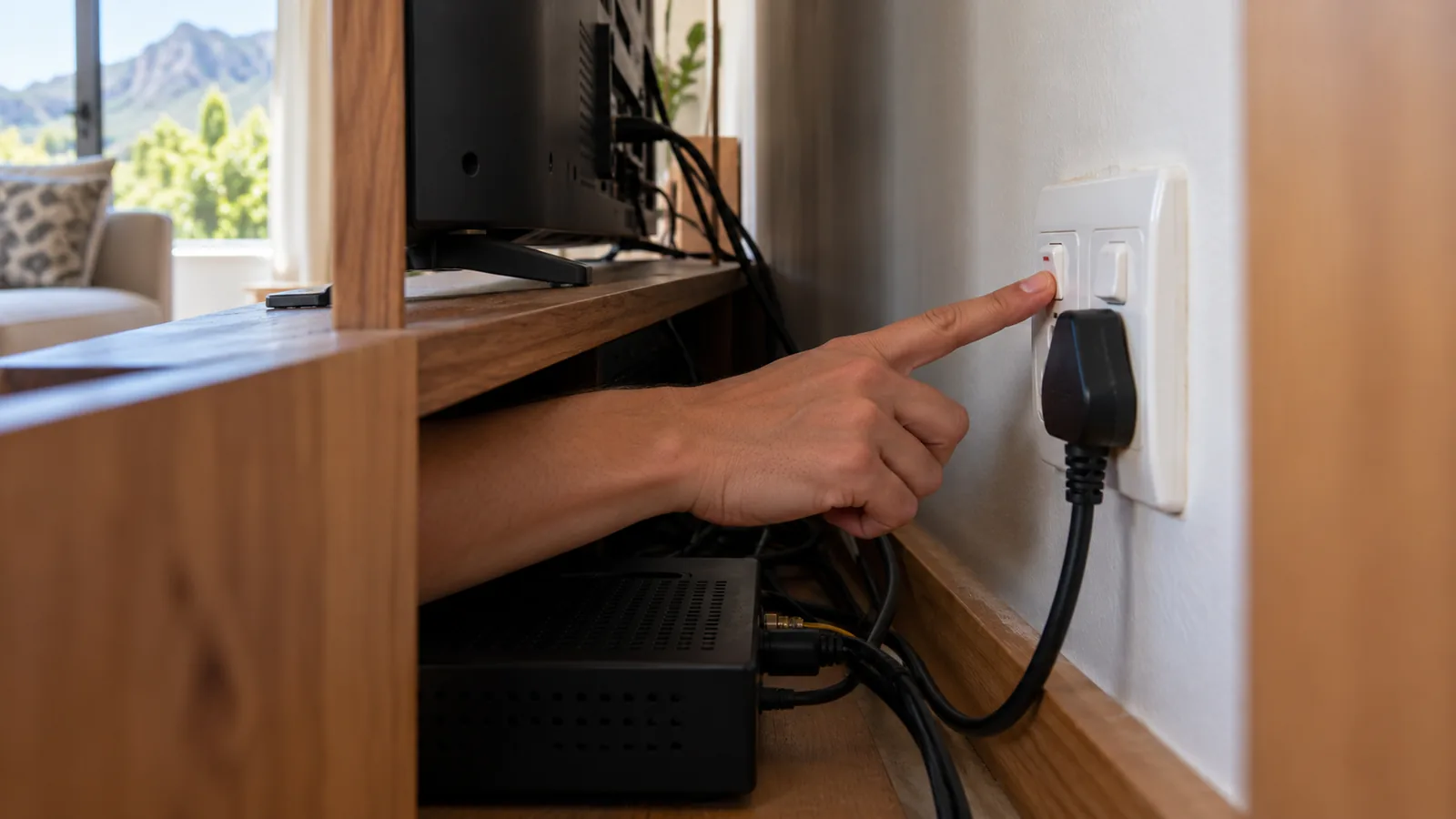
- Restart if needed. If the message stays, switch off at the wall for a minute, switch on, and wait again.
Technician tip
Keep your smartcard number saved on your phone. It is printed on the card and shown on the decoder's information screen. Self-service tools ask for it, and finding it while the rugby is on is no fun.
We do not give USSD codes here, because they differ between countries and change. Stick to the app, WhatsApp or the website. Many people search for an SMS trick for the e16 error DStv shows, but the app route is the most reliable one in South Africa.
When DStv Error E16 Keeps Coming Back
If the message returns every few days, something on the account side needs sorting. Common patterns we hear about in Stellenbosch:
- Student accounts: a parent pays from another city and the debit date slips past the due date.
- XtraView homes: the second decoder shows E16 because the Access Fee or the link between decoders has lapsed.
- Guesthouses: a decoder in a guest unit sits switched off for weeks between bookings and misses updates.
For the XtraView case, our article on Extra View installation in Stellenbosch explains how linked decoders check in and what the Access Fee covers. Repeated DStv error E16 on a second box often points there.
Other DStv Error Codes That Look Similar
Not every blue screen is E16. Here is a short guide to the most common DStv error codes and what each one really points to.
| Code | What it means | First thing to try |
|---|---|---|
| E16 (E16-4, E16-0) | Service not active on the decoder | Pay up, then re-authorise in the app |
| E48-32 | No signal reaching the decoder | Check cables, then the dish |
| E30-2 | Temporary signal loss, often in bad weather | Wait for the rain to pass |
| E51 (error 51) | Decoder cannot read the smartcard | Remove, clean and reinsert the card |
| E141-4 | Smartcard not verified or not paired | Check it is the right card, then contact DStv |
Need DStv installers in Stellenbosch?
Tell us what you need or what your screen is showing. We give you a clear price before we drive out.
The DStv smartcard error family: E51 and E141
A DStv smartcard error is different from E16. With E51 the decoder cannot read the card at all. Switch off, slide the card out, wipe the gold chip gently with a dry cloth, and push it back in with the chip facing the right way.
E141-4 means the decoder cannot verify a valid paired card. This happens when cards get swapped between decoders in a shared house. Put each card back in its own decoder. If that does not work, DStv has to re-pair it.
E48-32 and E30-2: signal, not account
These two are hardware or weather. E30-2 usually clears by itself when a heavy Cape winter front moves through. E48-32 that hangs around on a clear day means the dish, LNB, cable or a connector has a fault. Our guide on how to find DStv signal on your decoder shows where to look.
Signs the Problem Is Hardware, Not Your Account
Sometimes a code clears but other trouble remains. These symptoms point to the equipment rather than the account:
Picture freezing and pixelating
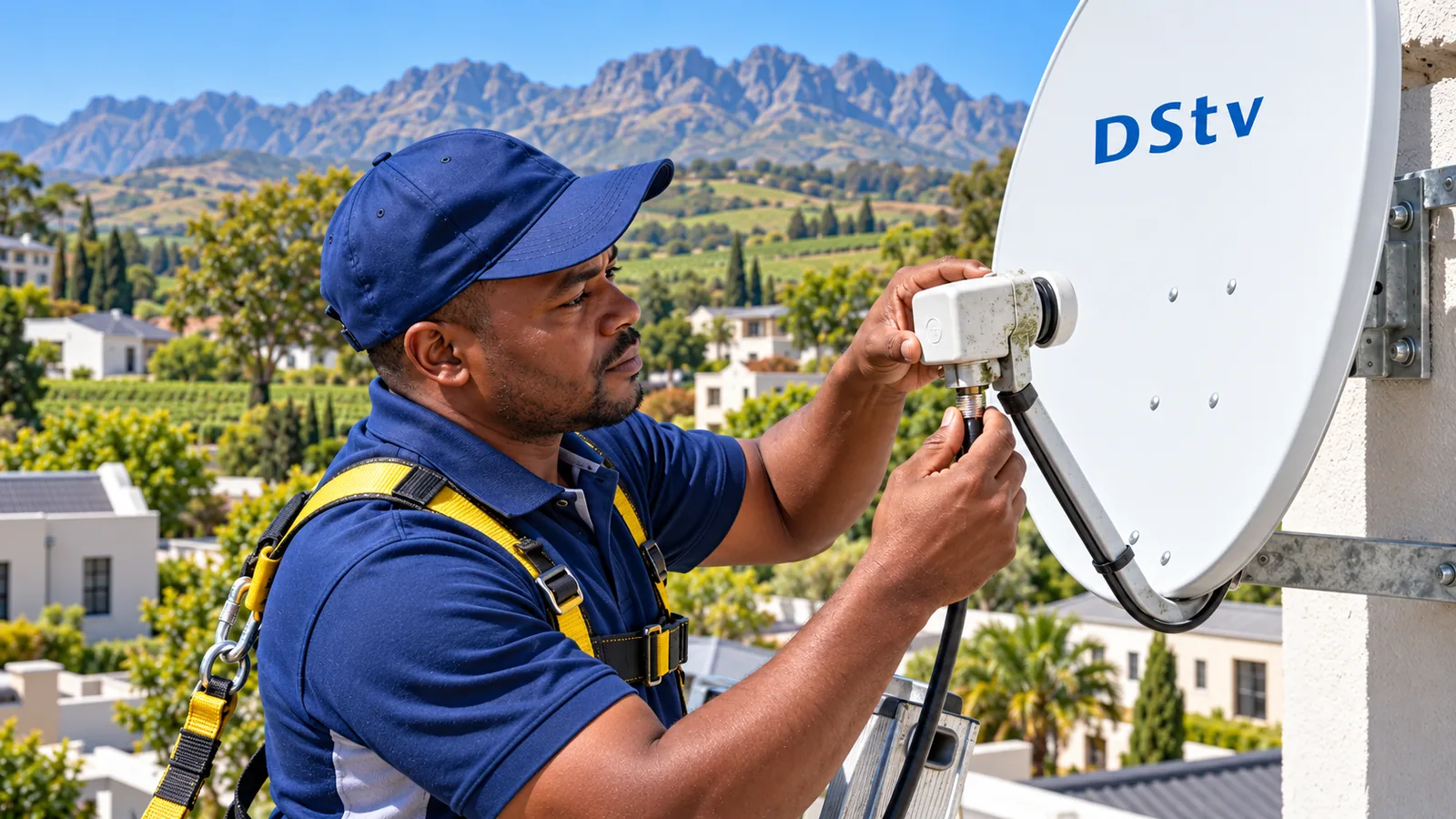
Blocks on screen and sound that stutters usually mean poor signal quality. A dish knocked by wind, oak branches that have grown into the line of sight, or water inside a connector are the usual suspects. A DStv dish alignment in Stellenbosch sorts most of these.
Decoder will not turn on or keeps rebooting
Check the wall plug and power supply first. A decoder stuck in a restart loop may need a software reset, or the power unit may have failed. Older boxes do wear out, and sometimes replacing one is cheaper than repairing it. Our comparison of the DStv decoder price at Pep against an installed box helps if you are weighing that up.
Remote control not working
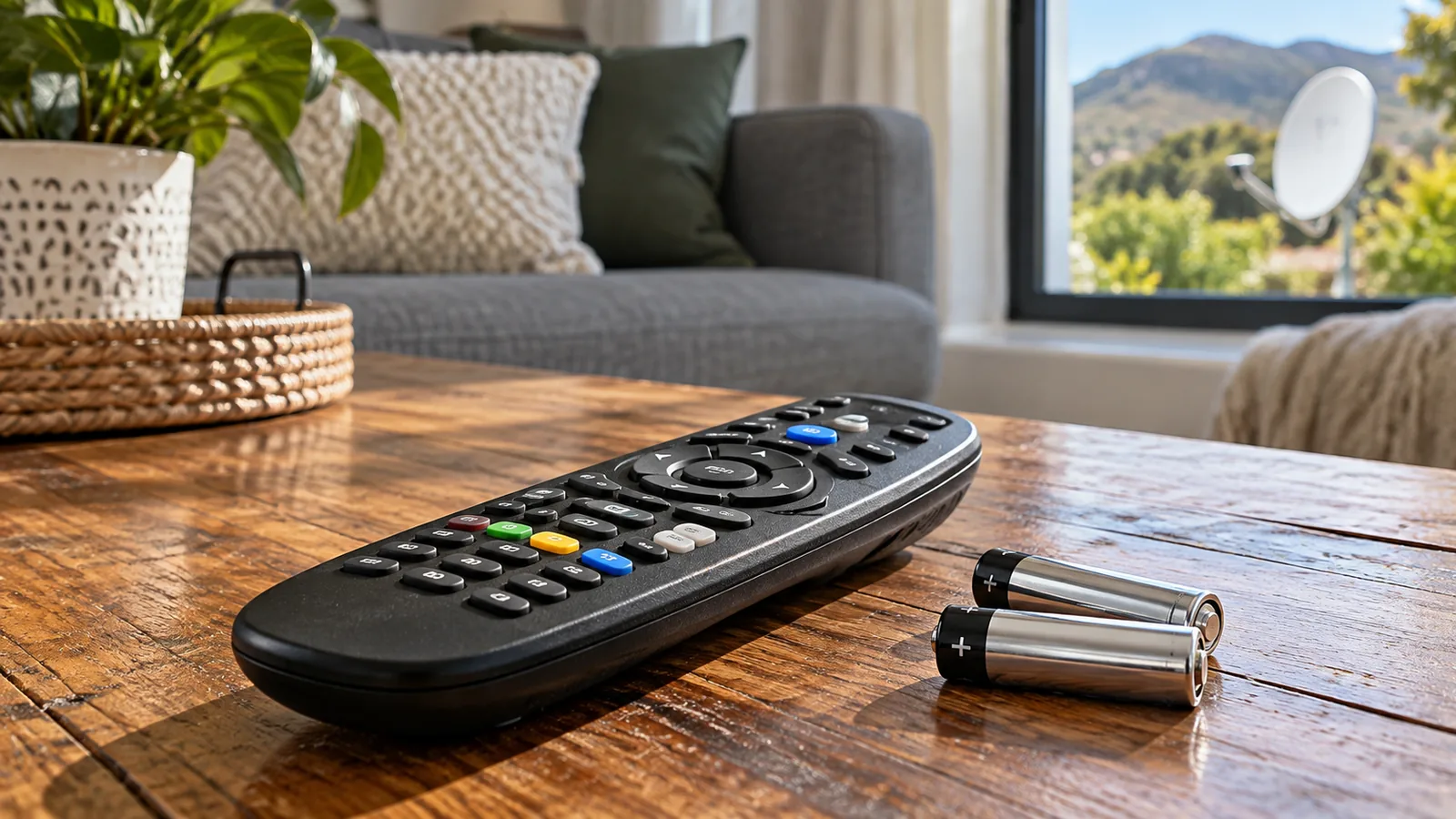
Try new batteries first, then point the remote straight at the decoder with nothing in the way. If the decoder buttons work but the remote does not, the remote is the problem. Replacements are sold by DStv and most retailers.
DStv Error E16 or Damage After Load Shedding in Stellenbosch
Power cuts can confuse a decoder. When the power comes back, some boxes show DStv error E16 or a signal error for a short while as they reconnect and catch up. Give it ten minutes on a channel before you worry.
Surges are the real danger. When power returns after load shedding or a summer thunderstorm, a spike can damage a decoder, a power supply or the LNB through the cable.
Safety first
Plug your decoder and TV into a surge protector, and switch them off at the wall during load shedding. Never open a decoder or power supply yourself. Mains voltage inside can hurt you, even after it is unplugged.
When to Call for DStv Repairs in Stellenbosch
Call DStv first for any account issue, including E16 that will not clear after payment. Call a technician when the fault is physical. You need DStv repairs in Stellenbosch if you see:
- E48-32 on a clear, dry day that does not go away
- Pixelating on every channel, not just one
- A dish that has visibly moved, or a cracked or rusty LNB
- Damaged or chewed cable, common in older homes in Idas Valley and Cloetesville
- A decoder that died after a power surge
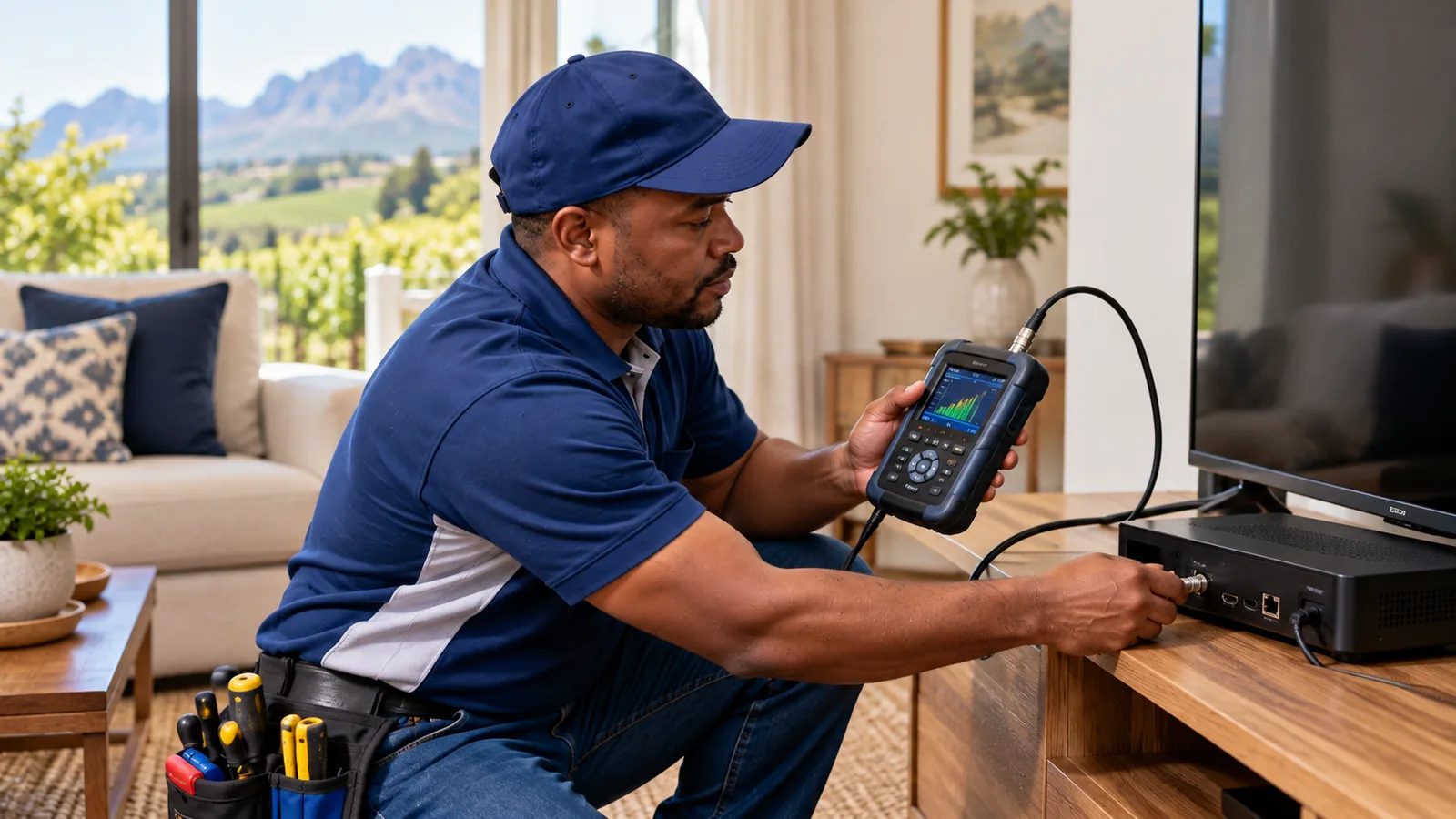
Our technicians cover Paradyskloof, Die Boord, Uniepark, Brandwacht and the farms around town. We test the signal with a meter, find the fault and quote before any work starts.
Still Stuck With DStv Error E16? Talk to Our Stellenbosch Team
If you have paid, re-authorised and restarted, and DStv error E16 is still on screen, it is time to talk to DStv about the account. If anything else is wrong, from weak signal to a dead decoder, our local DStv technicians in Stellenbosch can help, often the same or next day depending on the schedule.
Not sure which it is? Message our Stellenbosch DStv repairs desk with a photo of the error screen and we will tell you honestly whether you need us.
DStv error E16 in Stellenbosch: FAQs
How do I clear DStv error E16?
Make sure your DStv account is paid and active, switch the decoder on and leave it on a channel. Then re-authorise it through the MyDStv app, DStv WhatsApp self-service or the Fix Errors page on dstv.com. Wait up to 15 minutes. If the error stays, restart the decoder at the wall and try once more.
What does DStv error E16-4 mean?
DStv error E16-4 means the channel or service is not authorised on your decoder right now. It is an account message, not a signal or dish fault. The usual causes are a late payment, a recent package change, or a decoder that was switched off for a long time and missed its updates.
Why does my DStv show E16 after I paid?
Payments can take time to reflect, especially if you paid by EFT or at a shop. Once the payment shows in the MyDStv app, re-authorise the decoder while it is switched on and tuned to a channel. If E16 keeps showing after the payment has cleared, contact DStv to check the account.
Can a technician in Stellenbosch fix DStv error E16?
Usually not, because DStv error E16 is an account issue that DStv clears remotely. A technician helps when the problem is physical, such as no signal, pixelating, a damaged cable or a decoder that will not power on. In Stellenbosch, we can test your setup and tell you which side the fault is on.
Is the e16 error DStv shows caused by load shedding in Stellenbosch?
It can be, briefly. After a power cut the decoder may show E16 or a signal error while it reconnects. Leave it on a channel for about ten minutes. If it does not clear, re-authorise through the app. Use a surge protector, because power spikes after load shedding can damage decoders.
What is the difference between E16 and E48-32?
E16 means the service is not active on your decoder, which is an account matter. E48-32 means no signal is reaching the decoder, which points to the dish, LNB, cables or an obstruction. E16 is cleared through DStv self-service, while E48-32 often needs a physical check or a dish alignment.
Talk to our Stellenbosch team
Call or WhatsApp us for a quote. We answer quickly and we always price the job before we arrive.